

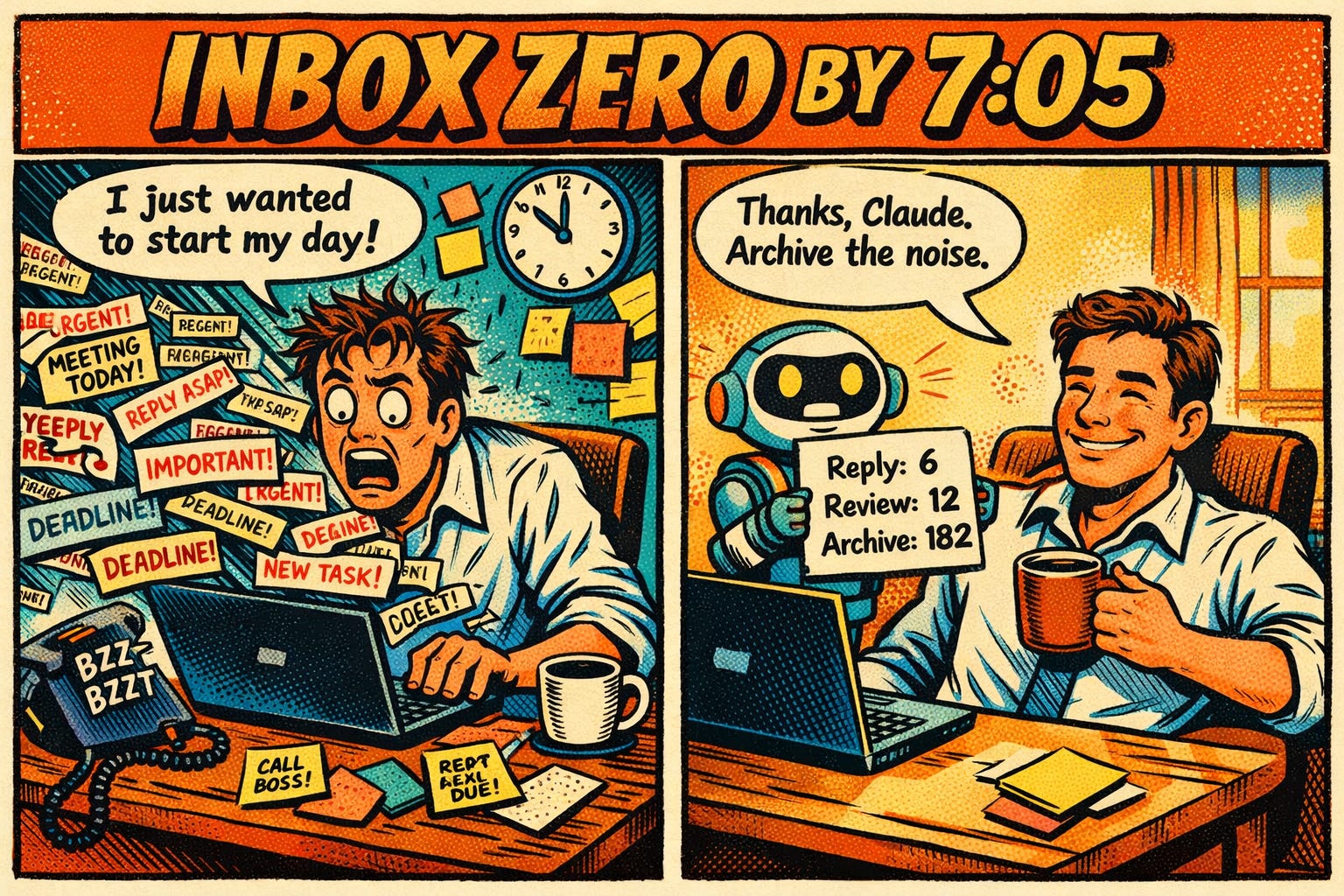
TL;DR: Your inbox isn’t overwhelming because you get too much email. It’s overwhelming because every message — from a fraud alert to a Pottery Barn coupon — demands the same thing from you: a glance, a judgment call, and a decision. I built a Claude Cowork plugin that makes those judgment calls for you. It scans your inbox, classifies every email into three tiers (reply needed, review, noise), and drafts replies for the urgent ones in your voice. I’ve open-sourced the template so you can configure it for your own inbox. GitHub repo here.
The Real Cost of “Just Checking Email”
Here’s what actually happens when you open your inbox in the morning.
You see 73 new messages. Your eyes dart to the bold ones. You recognize a name — your boss, your kid’s teacher, an investor — and open that one first. Then you scan subjects. “Re: Q3 Budget Review” — probably important. “Your Sephora order has shipped” — fine, skip. “ACTION REQUIRED: Update your payment method” — is that real or phishing? You squint. You click. It’s real. You deal with it.
Twenty minutes later, you’ve handled maybe eight emails, mentally triaged another twenty, and left the remaining forty-five sitting there radiating low-grade guilt. You haven’t even started working yet.
This isn’t a productivity problem. It’s a classification problem — and you’re solving it with the worst possible tool: your own attention, first thing in the morning, before coffee has fully taken effect.
Why Rules and Filters Don’t Fix It
The standard advice is Gmail filters. And filters are great — I run over 300 of them. But filters solve a sorting problem. They route wine club emails to a “Wine” label. They cannot tell you that the email from your son’s school nurse at 4:47 PM yesterday is more urgent than the email from your VP at 9:02 AM — because urgency is contextual, not categorical.
A filter says: “This is from Amazon.” A triage system says: “This is a fraud alert from Amazon — you need to deal with this now.”
That distinction — sorting vs. judgment — is exactly where AI stops being a party trick and starts being useful. And it’s the same distinction Ethan Mollick made recently about management as AI superpower: the advantage isn’t doing the work — it’s setting intent, defining constraints, and reviewing the output. Classic delegation. Applied to 200 emails before breakfast.
The Plugin: Three Tiers and 30 Seconds
I built an email triage plugin for Claude Cowork. It hooks into Gmail’s MCP tools, scans whatever time window you want (default is the last 24 hours), and classifies every email into three tiers:
Tier 1 — Reply Needed. Someone is waiting on you. A direct question, a time-sensitive request, a financial alert, a school email about your kid. Each one gets a number, a one-line summary, and a suggested action. You can say “draft a reply to #3” and Claude pulls up the full thread, writes something in your voice, and waits for your OK.
Tier 2 — Review. Needs your eyes but not a reply. Shipping updates, calendar invites, shared documents, travel confirmations. A quick-scan list. Thirty seconds and you’re done.
Tier 3 — Noise. Marketing, social notifications, promotional bulk. You get category counts — “14 marketing, 6 social, 3 automated” — and Claude offers to archive them in one shot. Not delete. Archive. They’re still searchable if you ever need them.
That’s it. What used to take twenty minutes of scattered attention becomes thirty seconds of structured reading.
The Secret Weapon: Alias Routing
Here’s where it gets interesting — and where most people can 10x the accuracy without doing any work.
If you use a custom domain for email (and if you don’t, this is your sign to start), you can create aliases: shopping@yourdomain.com, travel@yourdomain.com, newsletters@yourdomain.com, banking@yourdomain.com. They all land in your inbox, but each one carries a signal — a pre-classified priority that Claude can read before it reads a single word of the email itself.
The plugin lets you map each alias to a default tier:
banking@→ Tier 1 (always important)school@→ Tier 1 (always important)travel@→ Tier 2 (review, don’t reply)shopping@→ Tier 3 (noise — unless it’s a fraud alert, which bumps to Tier 1)newsletters@→ Tier 3 (archive and move on)
With 10–15 aliases mapped, Claude classifies 80% of your inbox without reading a single email body. It only needs to think carefully about the remaining 20% — the emails sent to your primary address that don’t fit a pattern.
I run over 300 aliases. My triage is essentially instant for everything except personal emails from real humans. That’s the only category that requires actual judgment, and it’s usually 5–10 emails a day.
Translation: The aliases do for email what good org design does for a company — they make the easy decisions automatic so the humans can focus on the hard ones.
It Doesn’t Send Anything Without You
Let me be explicit about what the plugin does not do, because this is the part that makes people nervous:
It never sends an email without your confirmation. Claude drafts a reply, shows it to you, and waits. You say “send it” or “change the tone” or “actually, ignore that one.” You’re always in the loop.
It never auto-archives. It lists exactly which emails it wants to archive, asks you to confirm, and only then moves them.
It never deletes anything. Archive only. Nothing is permanently removed.
It never modifies your filters or labels. Read-only triage. Your Gmail setup stays exactly as it is.
These aren’t limitations — they’re load-bearing design decisions. An email assistant that sends without asking is a liability, not a feature.
The Compound Effect (and the J-Curve)
I’ll be honest: the first few days of using this felt slower. I’d look at Claude’s triage summary and think, “I could have just scanned my inbox myself.” If you’ve ever delegated to a junior teammate, you know the feeling. That’s the J-curve of delegation — early on, it seems like more work than doing it yourself.
But here’s what the J-curve doesn’t show you on day one: the compound effect.
By day three, you stop second-guessing the classifications. By day seven, you realize you haven’t manually scrolled your inbox in a week. By day fourteen, someone mentions an email you “missed” and you pull it up in two seconds because it was archived, categorized, and searchable — not buried in a wall of bold text you never got to.
The value isn’t any single classification. It’s the compound interest of never making those 200 micro-decisions again. It’s opening your morning with a clean summary instead of a wall of unread badges. It’s knowing that if something urgent came in at 2 AM, it’s already flagged and waiting at the top — not buried under twelve promotional emails and a LinkedIn notification.
How to Set It Up (5 Minutes)
The plugin is open-source and designed to be configured, not coded. No code. No API keys. No database. Just a markdown file with your routing rules.
Step 1: Grab the repo (or just browse to the link if CLI gives you the heebeejeebees).
gh repo clone ericporres/email-triage-pluginStep 2: Connect Gmail. In Cowork, enable the Gmail connector. In Claude Code, configure the Gmail MCP server.
Step 3: Customize the tiers. Open skills/email-triage/SKILL.md and edit the alias routing table, your urgency signals (work domain, kids’ schools, key contacts), and your email voice guidelines so Claude can match your tone when drafting replies.
Step 4: Say “check my email.” That’s it. /email for a full triage. /email work for work only. Or just ask naturally — “what’s in my inbox?” works fine.
The most impactful five minutes you’ll spend is filling in the alias routing table. If you already use aliases, it’s copy-paste. If you don’t, start with five: shopping, travel, newsletters, financial, everything else. Add more as you go. Every time you catch yourself manually sorting an email you could have routed by alias, add the alias. Within a few weeks, the triage becomes remarkably accurate.
The Bigger Point
We keep waiting for AI to become “smart enough” to manage our email. GPT-5, Claude 4, Gemini Ultra — surely the next model will finally handle the inbox.
It won’t. Not because the models aren’t capable — they are — but because intelligence without context is just a very fast guesser. The model that’s going to transform your inbox isn’t the next one. It’s the current one, configured with your aliases, your contacts, your priorities.
The gap between “AI can read email” and “AI triages my email” is a markdown file with your routing rules. That’s it. That’s the gap.
Your inbox isn’t the problem. Your inbox without a system is the problem.
The email triage plugin is open-source and available on GitHub. Clone it, map your aliases, and stop being your own mail clerk.
Pairs well with the Family Assistant Skill — when Claude knows your family members, schools, and service providers, it can classify an email from your kid’s school nurse without reading a word.
If this was useful, forward it to someone who starts every morning angry at their inbox. They’ll thank you later.