

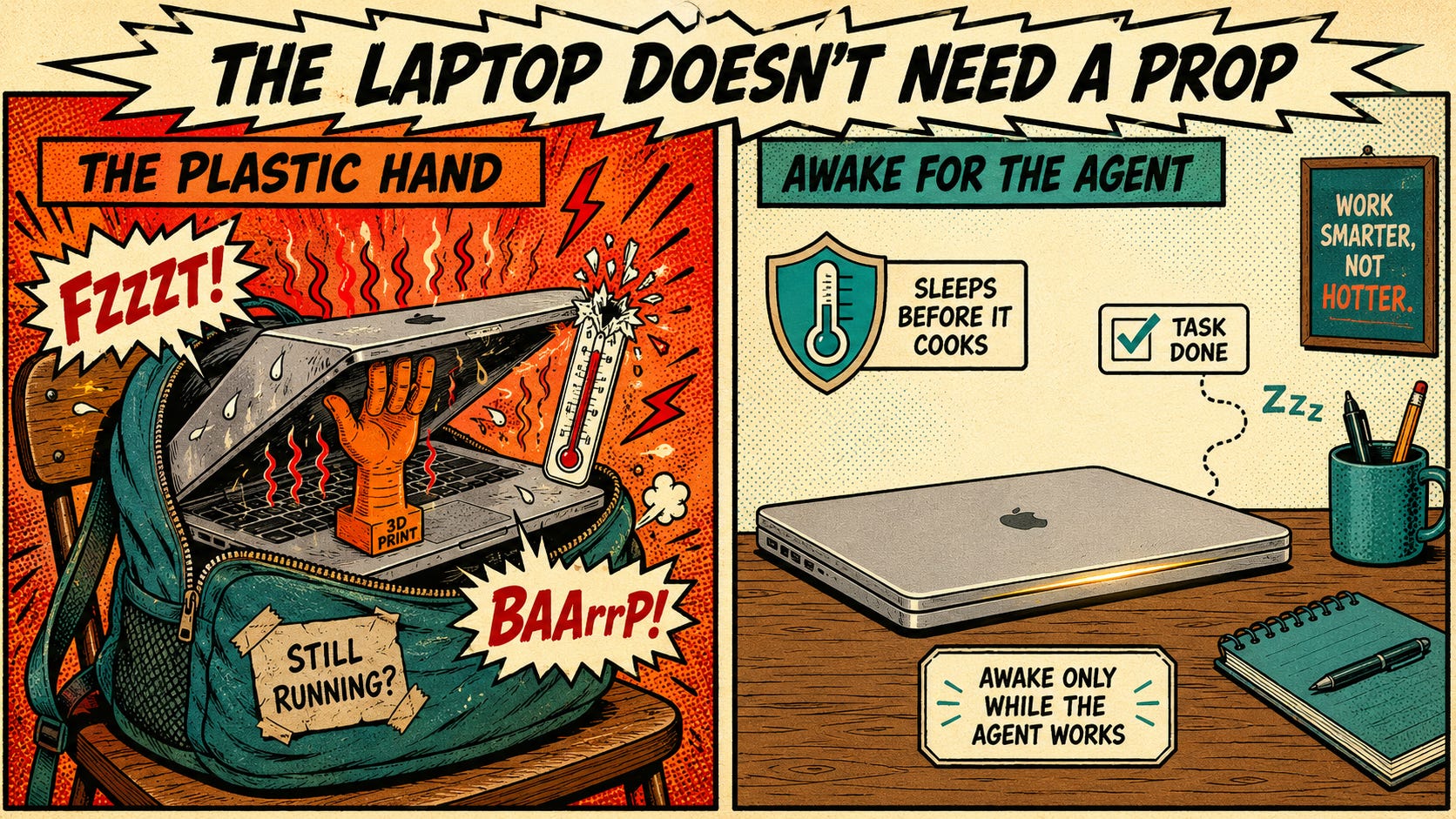
TL;DR: A LinkedIn post making the rounds shows a 3D-printed plastic hand you wedge under a MacBook lid so the machine won’t sleep while Claude runs a long task. I built the software version instead. cocaffeinate keeps the Mac awake through a closed lid, but only while Claude Desktop or Codex actually runs, and it watches the battery and the temperature so it puts itself to sleep before it cooks. The build took an afternoon. The lesson came from running it on real hardware, where it broke in a way no test could have predicted.
Greg Shove texted me a photo Wednesday afternoon: a little orange 3D-printed hand, fingers curled, wedged under the corner of a closed MacBook to hold the lid open a crack. “After Post-it notes,” he wrote, “you can graduate to these.”
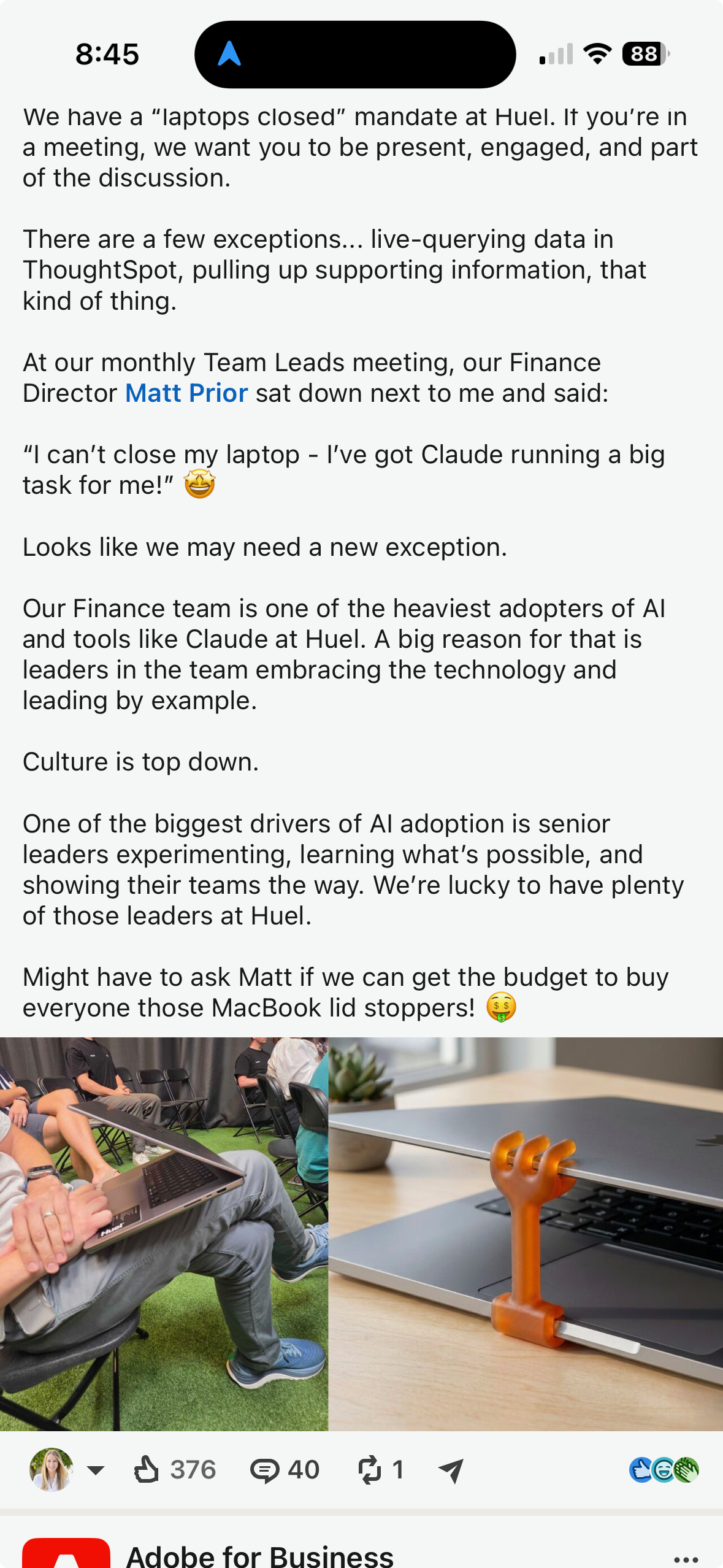
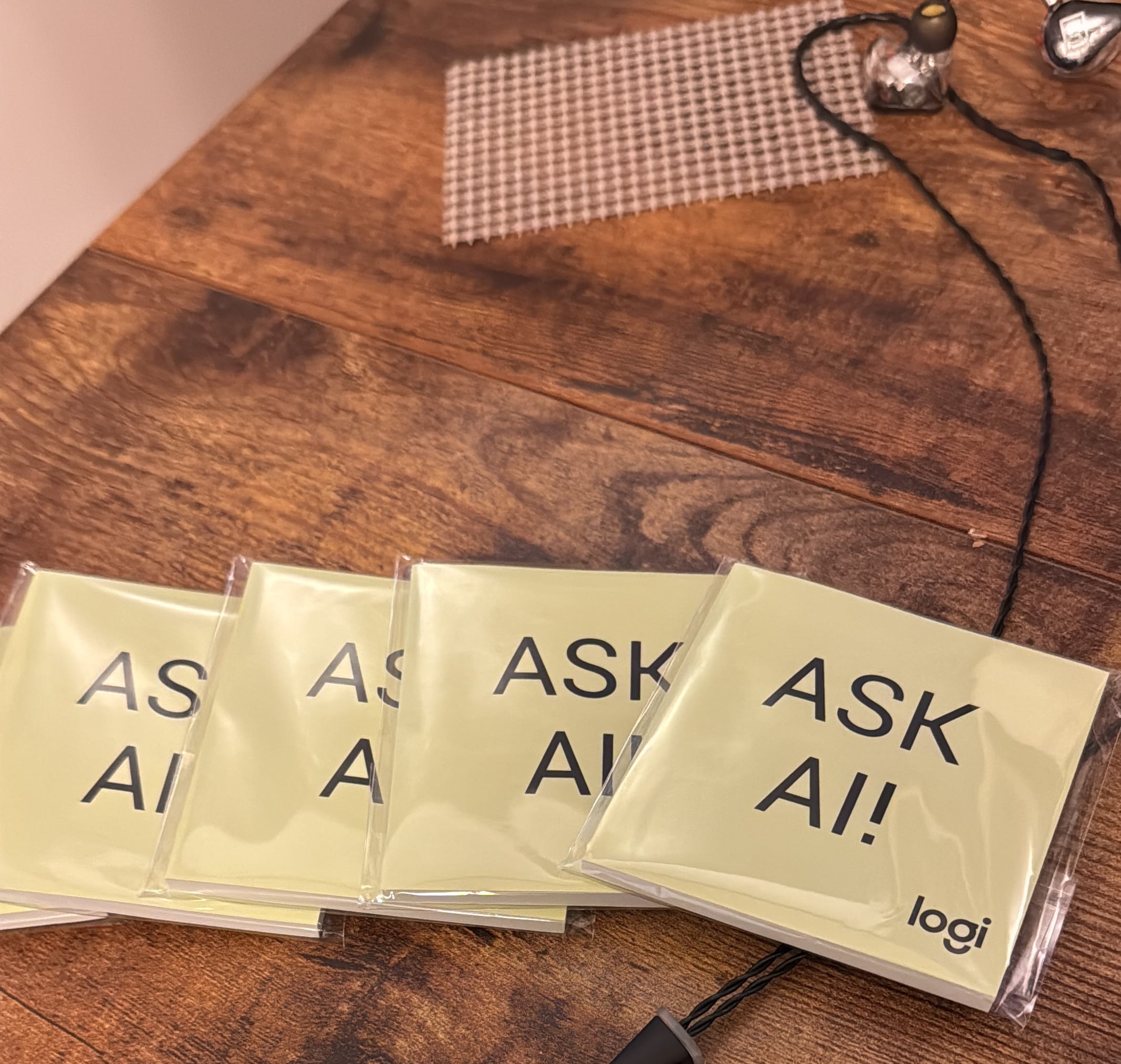
The context was a LinkedIn post about Huel, the meal-replacement company, which has a “laptops closed” rule for meetings: be present, be in the room. There are a few sanctioned exceptions, and the one everybody quoted was their Finance Director, Matt Prior, sitting down and saying: “I can’t close my laptop, I’ve got Claude running a big task for me.” The punchline of the post was the plastic hand. Maybe we buy everyone one. The Post-it note is my ‘Ask AI!’ note that I keep on my desk and also have a printed stack that I keep with me on the road…call me an analogue warrior:
A plastic hand is a hardware patch for a software problem. It props the lid with zero awareness. It doesn’t know what’s running, whether the task finished an hour ago, or that a sealed laptop on battery in a backpack is a small thermal event waiting to happen (just ask the TSA). It is a doorstop for a door that was trying to protect you.
So I texted Greg back: you know what’s better than that? “Write a script that keeps your Claude session running even if you close your laptop lid. If Claude is a running thread, don’t sleep the machine.”
Then I built it.
The mechanics are intentionally unglamorous. caffeinate keeps a Mac from dozing, but close the lid and it sleeps anyway; the lid switch sits below anything caffeinate can veto. The one lever that actually survives a closed lid is a kernel flag, pmset disables sleep. So cocaffeinate holds that flag, runs your task, and gates the whole thing on the one condition a plastic hand can’t check: is Claude Desktop actually running? The instant you quit Claude, the flag flips back and the Mac sleeps like it’s supposed to. It also watches the battery and the die temperature, and if either crosses a line, it doesn’t just let go. It forces the machine to sleep, so the thing cools down instead of baking in your bag.
Call it delegation: the machine stays awake for the agent, only as long as the agent is working, and it cleans up after itself when the work is done. The lid-prop holds the door open forever. The script knows when to let it close.
You’ve probably used something like this before, and you’d be right to think so. caffeinate has shipped with macOS since 2013, and Amphetamine, the App Store favorite, will hold a Mac awake with the lid shut and even end the session when the battery runs low. I appreciate the prior art. Keep-awake is a solved problem for the world those tools were built for, where the thing you were protecting was a download, a render, or a clamshell wired to a monitor. cocaffeinate is for the era where the thing still working when you walk away is an agent. Amphetamine keeps the Mac awake on a timer or a toggle; cocaffeinate keeps it awake because Claude or Codex is mid-task, and hands sleep back the second the agent quits. It adds the part the others skip: it watches the die temperature and forces sleep before the job cooks the laptop. While it’s the same lever underneath it’s a different thing it’s listening to.
The script was the easy part. What it taught me had nothing to do with sleep (for more on that, you can read this).
I set the intent, defined the outcome, provided context, and had Claude write the thing. It passed every test I threw at it in a sandbox: exit codes, battery floors, the thermal trip, the auto-release when Claude quits. Green across the board. Then, instead of shipping, I ran it on my actual Mac Studio, in the real terminal, against the real Claude.
It failed immediately, and silently.
The headline feature, “only stay awake while Claude is running,” worked by checking for the Claude process with pgrep, the standard way you’d look up a running program. On macOS, pgrep returns nothing for a desktop app like Claude, because the operating system doesn’t hand a GUI app’s full command line to the tool the way Linux does. So the check reported “Claude isn’t running” while Claude sat there running on the same screen. In the sandbox, my fake Claude was a fake process, so the check passed. In the real world, the headline feature was dead on arrival, and nothing errored to tell me so.
The fix was a different detection method: ask the operating system for the app by name instead of groping through process arguments. A ten minute coding pivot (i.e. more context). Codex, it turns out, is a GUI app with the same blind spot, so the same fix covers both. Then I re-ran it on the Studio and watched it correctly report the agent as running, hold the machine, and release on quit.
That gap — sandbox-green, hardware-red — is why your devops teams will frequently have at least two environments and sometimes three for enterprise application development (e.g. dev, sandbox, prod). I had two. The tests didn’t lie. They told the truth about a world that didn’t exist. The Mac Studio told the truth about the one that does. This is what people mean, or should mean, when they say a human stays in the loop: not babysitting the model’s grammar, but being the one who insists on running it where it actually has to work. The model wrote confident, clean, plausible code. Only the real machine and this human-in-the-loop knew it was wrong.
Sleep-on-lid-close is a forty-year-old assumption that the human is the only ‘threaded process.’ When you stop looking, the machine stops working, because back then nothing was working unless you were. That assumption is now wrong about a growing slice of what laptops do. Matt Prior closing his laptop and walking into a meeting while Claude keeps grinding is the new default, leaking through the cracks of old hardware behavior. But a doorstop is the wrong (if cheeky) response to it. The designs that matter from here treat “an agent is working on my behalf” as a first-class state the machine should respect: awake for the agent, asleep otherwise, and never so loyal it lets itself overheat.
cocaffeinate is on GitHub, MIT-licensed, Mac and Windows. It gates on Claude or Codex, the two agents you’d actually leave running. Clone it, read the twelve lines that matter, change the thresholds, add your own agents, go nuts (responsibly of course).
The instinct to run it on the machine before shipping it to anyone isn’t natural. It’s a rule I had to write down, after a fix that once passed every check and still failed its first real run. I’ve argued in this newsletter that knowledge work is code: your context is source, your operating manual is a program the model runs on every session, and its ugliest rules are indeed ‘load-bearing’ because each one is scar tissue from a specific failure. One of mine says, in plain terms, that compiling is not running. cocaffeinate is that rule doing its job.
Buy the plastic hand if you want a souvenir, but the plastic hand isn’t the embarrassing part. The embarrassing part is that in 2026, the most reliable way to tell a laptop you’re still working is to physically stop it from closing. The fix isn’t a better doorstop. It’s a machine that knows who it’s awake for, and when to quit.
Receipts:
The post that started it: Huel’s “laptops closed” policy and Finance Director Matt Prior’s Claude exception, on LinkedIn.
cocaffeinate on GitHub: the script, MIT-licensed, macOS + Windows, gates on Claude or Codex.
macOS caffeinate and pmset behavior, including the disablesleep flag, are documented in Apple’s man pages (man caffeinate, man pmset).
The pgrep blind spot is real and reproducible: on macOS, GUI application processes don’t expose their full argument vector to pgreg -f the way Linux processes do. Detection by application name (via System Events) is the reliable path.
Previously on Beyond Reason: Knowledge Work Is Code, on treating your context and operating manual as source you revise like any other codebase.